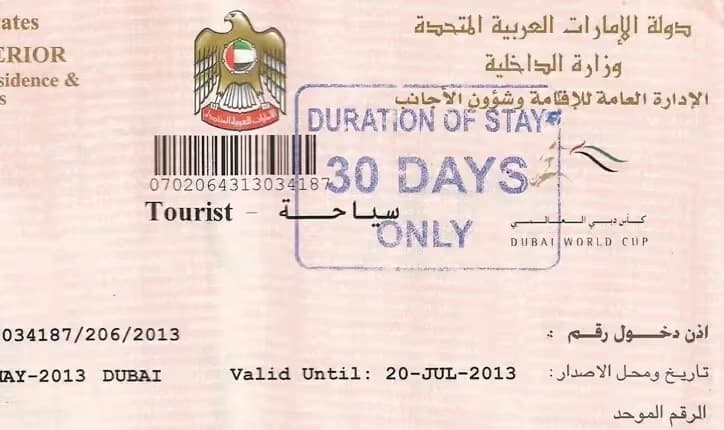
UAE Visa Status Explained: A Step-By-Step Guide to Checking Validity and Expiry Online Across All Emirates
From Dubai to the northern emirates, residents can confirm visa details instantly using official immigration portals.
 Staff WriterJan 7, 2026, 9:42 AM
If you hold a UAE visa and are unsure whether it is still valid, nearing expiry, or if your family or dependent visas are temporarily on hold while changing jobs, immigration authorities in the UAE offer official online services that allow residents to check their visa status within seconds.
The method for checking visa validity depends on the emirate that issued the visa. Dubai-issued visas are handled separately, while visas issued in all other emirates fall under a federal system.
Checking visa status for Dubai-issued visas
If your entry permit or residence visa was issued in Dubai, visa validity can be verified through the General Directorate of Residency and Foreigners Affairs (GDRFA) – Dubai.
To begin, visit the GDRFA website and select the visa status service available on the homepage. You will then be asked to choose how you wish to search for your visa details. Available options include searching by application number if the visa is recently applied for, file number if the visa has already been issued, over-the-counter service applications, special requests, or establishment details for company-sponsored visas registered with Dubai immigration.
After selecting the relevant option, enter the required information. If you are using a file number, you will need to provide your first name, file number, nationality and date of birth. The file number is printed on your UAE residence visa and can also be accessed digitally through UAE Pass.
Once the details are entered, complete the Captcha verification and click Search to view your visa information.
Residents who require assistance may also contact an Amer centre. Calls can be made from within the UAE on 800 5111, or from outside the country on +971 4 313 9999.
Checking visa status for visas issued in other emirates
If your visit or residence visa was issued in Abu Dhabi, Sharjah, Ajman, Umm Al Quwain, Ras Al Khaimah or Fujairah, visa status checks are managed by the Federal Authority for Identity, Citizenship, Customs and Port Security (ICP).
To check your visa through the federal system, visit the ICP online services platform. From the menu, select Public Services and then click on File Validity. You will be prompted to choose a search method, either by file number or by passport information.
Next, select the appropriate visa type. Choose Residency for residence visas and Visa for visit visas. You will then need to enter one of the required identification details, such as your Unified ID number (UID), visa file number (found on the visa sticker or e-visa), Emirates ID number for residence visas, or passport number if searching using passport details. Your date of birth must also be entered.
After completing the Captcha verification, click Search to view your visa status.
What information is shown in the visa status result?
Once the search is completed, the system will display key visa details, including the visa file number, Unified ID number (UID), current visa file status, visa issue date and visa expiry date. This allows residents to quickly confirm whether their visa is valid, close to expiring or requires further action.
For enquiries related to visa issuance, visa categories or visa validity under the federal system, residents can contact the ICP customer service centre on 600 522222.
For any enquiries or information, contact ask@tlr.ae or call us on +971 52 644 3004. Follow The Law Reporters on WhatsApp Channels.